01
Choose Seedance 2.0
Open the generator and keep Seedance 2.0 selected for a balanced AI video tool focused on speed, references, and controlled motion.
Create text-to-video and image-to-video clips with ByteDance Seedance 2.0. Add image, video, and audio references to guide character consistency, motion, camera direction, and style. Review the credit estimate before generation and try Seedance 2.0 with available trial credits.
Seedance 2.0 is ByteDance’s multimodal AI video model for text-to-video and image-to-video generation. It can use images, video clips, and audio as references. On Zelvune, these inputs sit in one generator with duration, resolution, aspect ratio, output count, and credit estimates visible before generation.
Use references to guide subject identity, style, motion, camera direction, and audio timing. Return Last Frame gives the next generation a clearer starting point when you want to continue a scene.
Use Seedance 2.0 for product videos, social clips, storyboard tests, character scenes, and ad variations that need repeatable direction.
Turn prompts into short clips with clear camera direction, motion cues, style notes, and output controls.
Start from still references when a product, character, frame, or visual style needs to stay recognizable.
Combine images, video references, audio references, and text so every shot has stronger creative anchors.
Use the ending frame as a follow-up reference when a scene needs continuation instead of a hard restart.
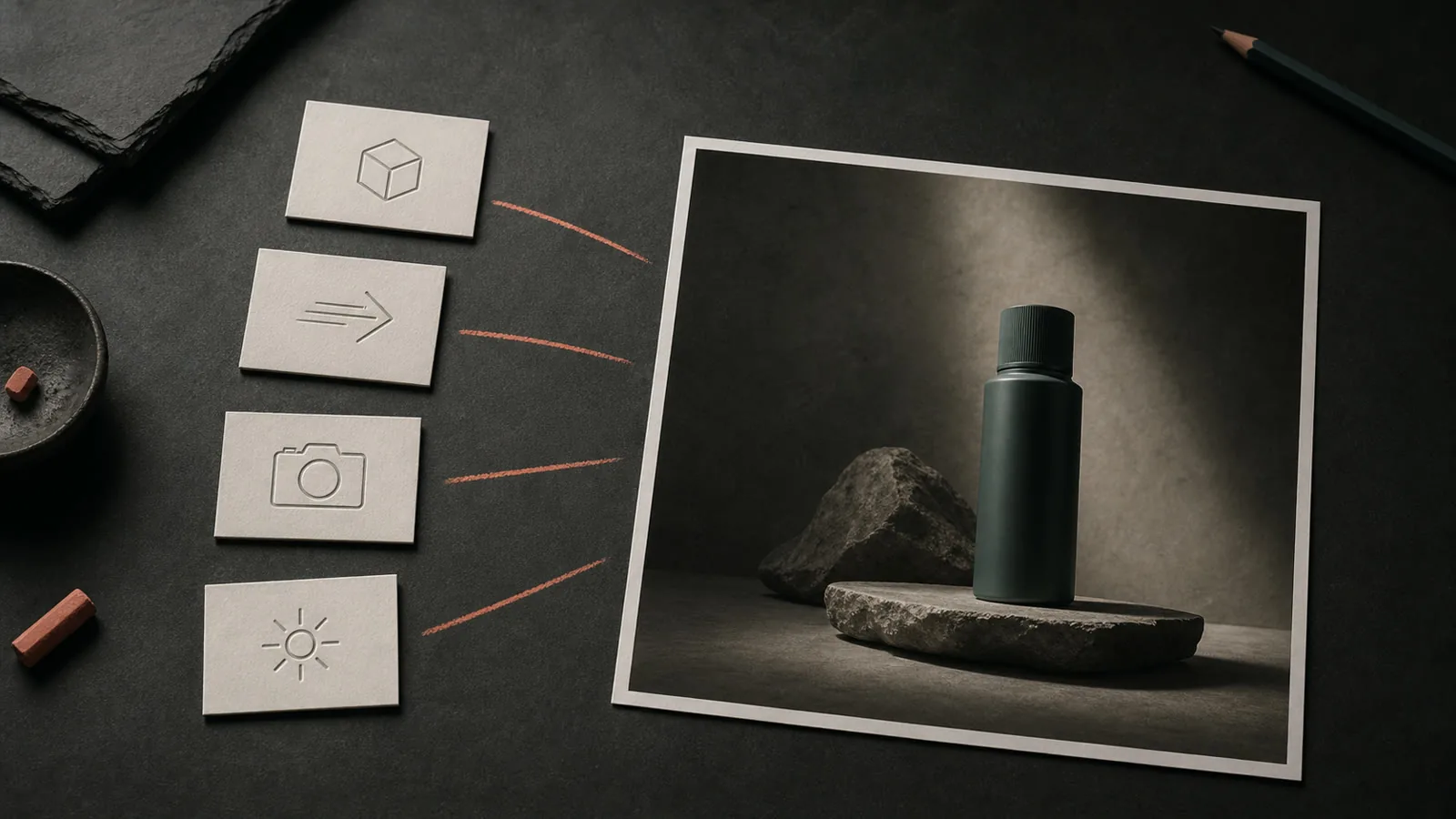
Use images for identity and style, video references for motion and camera direction, audio references for rhythm, and Return Last Frame to continue a scene.
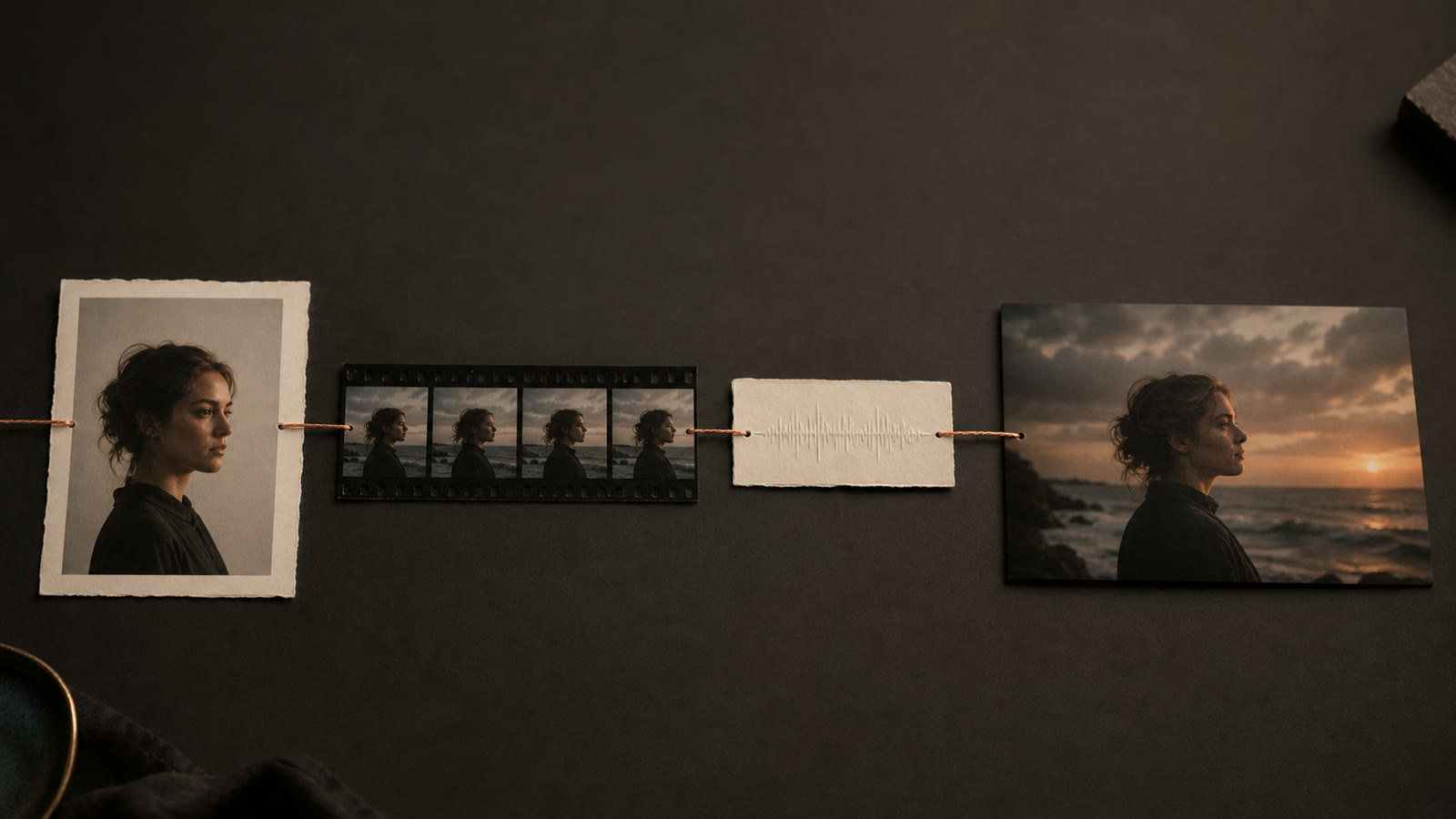
Use text to video for the idea, image to video for identity, reference video for movement, and audio references for rhythm. Zelvune keeps those inputs in one generator so the prompt can describe intent while references carry visual detail.
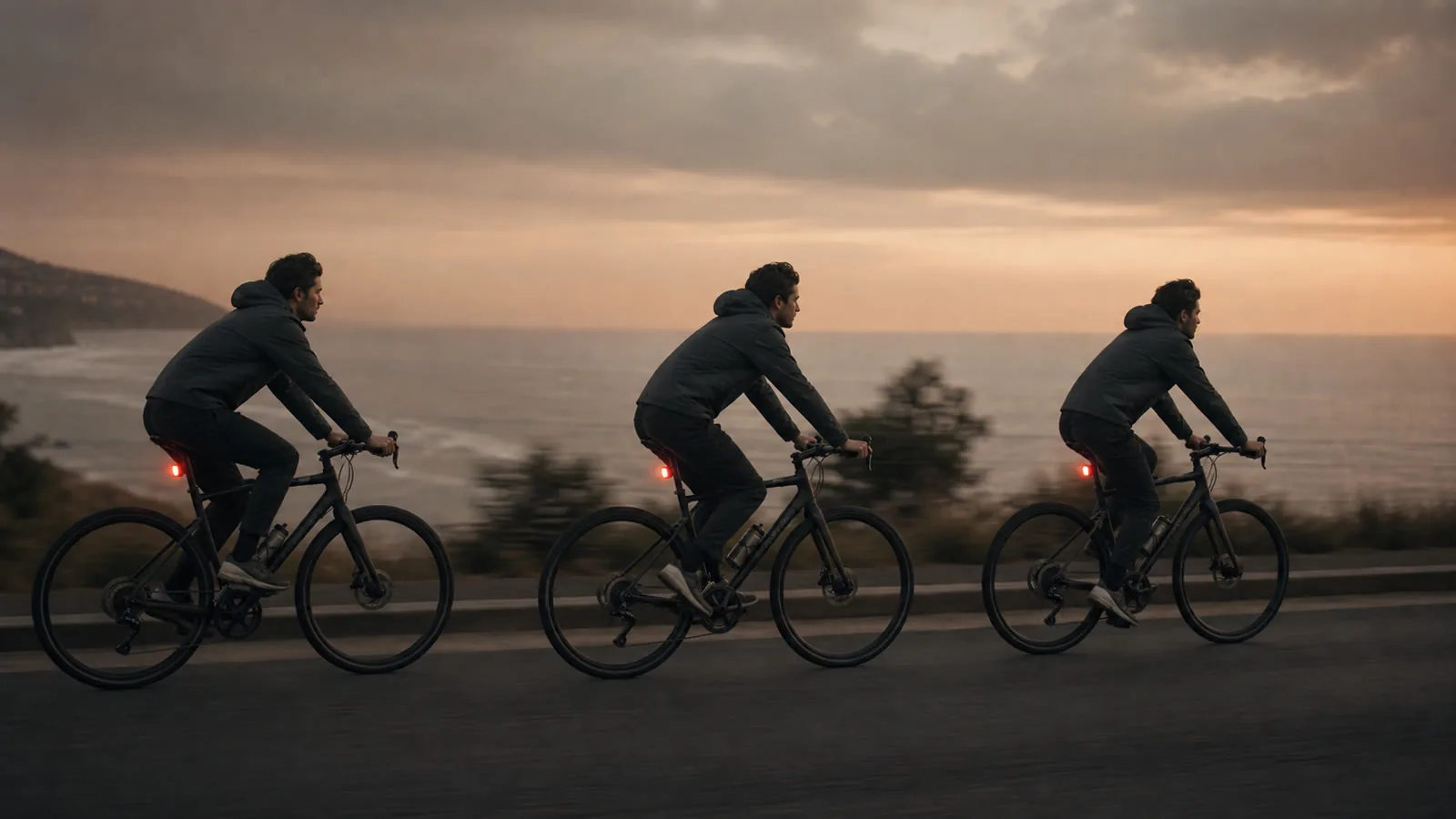
Seedance 2.0 is useful when a clip needs believable pacing, camera movement, product motion, or character action. Output controls for duration, resolution, aspect ratio, and reference inputs help keep each render scoped before credits are spent.
Reference-led generation helps match framing, transitions, style, and subject cues across versions. When a scene needs another beat, return last frame support gives the next pass a cleaner starting point.
Seedance 2.0 works well for short-form workflows that benefit from references, fast visual testing, and repeatable direction.
Turn campaign concepts, product angles, and social hooks into quick video drafts without booking a shoot.
Block scenes, test camera language, extend shots, and build mood passes before committing production time.
Explore movement, timing, choreography, and visual style using references instead of rebuilding every frame manually.
Create product hero shots, launch clips, and campaign concepts with stable product details and repeatable direction.
Draft vertical hooks, social cutdowns, and fast ad variations for short-form publishing calendars.
Turn a script beat or shot list into quick visual tests before production time is spent.
Use audio and motion references to guide choreography, camera pacing, and rhythm-led edits.
Generate multiple creative angles for hooks, offers, and audience tests while keeping the core brand look consistent.
Rebuild a transition, framing style, or movement pattern from reference material without manual keyframing.
Compare Seedance 2.0, Sora 2, and Veo 3 across reference control, visual consistency, motion, continuation, and workflow. The best fit depends on your input assets, creative goal, and available generation settings.
| Capability | Seedance 2.0 | Sora 2 | Veo 3 |
|---|---|---|---|
| Multimodal control | Strong references across image, prompt, video, and audio workflows | Text-first cinematic generation | High-quality cinematic generation |
| Visual consistency | Strong when references define subject and style | Varies by prompt and scene complexity | Strong, especially for polished scenes |
| Motion and physics | Natural movement with fast iteration | High-end realism, slower workflow | Strong cinematic realism |
| Creative replication | Good for matching style, motion, framing, and subject cues | Less reference-led | Less flexible for reference-heavy iteration |
| Video extension | Built for continuation workflows | Limited by access and product flow | Model-dependent |
| Ease of use | Fast inside Zelvune with credits and one generator | Separate access path | Separate access path |
A useful Seedance 2.0 prompt names the subject, action, camera movement, visual style, and the role of each reference. Keep the instruction specific and use images or clips to preserve details that are difficult to describe in text.
A premium smartwatch rotates on a glossy black surface, slow camera push-in, blue rim light, subtle particles, clean ecommerce ad style, use the product reference image for shape and materials, 9:16 vertical format.
A young traveler steps into a rainy neon alley, handheld tracking shot, reflective pavement, cinematic night lighting, use the character image for outfit and face consistency, natural motion, 16:9 format.
Open the generator and keep Seedance 2.0 selected for a balanced AI video tool focused on speed, references, and controlled motion.
Add text, images, video references, or audio references that define the subject, motion, style, camera, and rhythm.
Check the credit estimate, generate the clip, then reuse the result or last frame when the next pass needs continuity.
Can't get enough of Seedance 2.0 AI videos!Looks as good as old Bruce Lee movies!pic.twitter.com/LqT0lIxosh
— Derya Unutmaz, MD (@DeryaTR_) February 8, 2026 · View original post
With the Seedance 2.0 release imminent (already available to Chinese creators), it's now a race to the best price per minute of generated footage. Speed is not as relevant.We are reaching a point where all models are able to do everything perfectly, with acting, sound, etc. pic.twitter.com/c1YaTX6MNR
— Alex Patrascu (@maxescu) February 7, 2026 · View original post
Ran a prompt for seedance 2 and yeah the quality is really nice but it's falling apart outside of what it was trained on.Fishing through the boat, fish looks like a tuna whale and the man looks like Tom hanks. pic.twitter.com/DYhGfO7G2E
— Jimmy Apples 🍎/acc (@apples_jimmy) February 9, 2026 · View original post
【肉厚パティのチーズバーガー】Image2 x Seedance2.0(TapNow)動画の作り方やプロンプトはスレッドで👇 pic.twitter.com/5Hso23EARC
— オズ (@ozuozuai99) June 21, 2026 · View original post
猫と追いかけっこ🐈 その15Seedance2.0 pic.twitter.com/2gjjO2ItgO
— keshi (@keshiAIart) June 18, 2026 · View original post
Subscribe for regular creation, or pick a credit pack for one-time projects.
Answers about references, formats, credits, and the Zelvune Seedance 2.0 workflow.
Seedance 2.0 is a multimodal AI video generation model from ByteDance. It can use text, images, video clips, and audio references to create short videos with stronger motion, consistency, and scene continuity.
Seedance 2.0 is built around reference-driven control. Instead of relying only on a prompt or a single image, it can use multiple references to guide subject appearance, motion, camera language, rhythm, style, and scene structure.
On Zelvune, the generator supports text prompts, reference images, reference videos, and audio references where available. It shows the supported modes, limits, and settings before you create.
You can reference characters, products, clothing, scene layout, visual style, camera movement, choreography, effects, transitions, sound, and pacing. For best results, describe clearly what each reference should control.
Yes. The model is designed to reduce drift and keep faces, clothing, products, scenes, and visual style more stable across frames. Clear references and focused prompts usually produce the most consistent results.
Yes. You can use a reference video to guide motion, choreography, pacing, or camera movement, then apply that behavior to a new subject or scene.
Video extension uses an existing clip or ending frame as context, then generates a continuation that tries to preserve motion, style, subject identity, and scene continuity.
Yes. It is useful for product demos, brand videos, ad concepts, social hooks, campaign variations, and marketing visuals where reference consistency matters. Zelvune does not add watermarks to generated videos.
Generations use Zelvune credits. Free trial credits help new users test the model when available, and the exact cost depends on the mode, duration, resolution, references, and output count you choose. The generator shows an estimated credit cost before you start, and failed generations are refunded automatically.
This Zelvune page focuses on browser-based generation. If you need Seedance 2.0 API workflows, treat them as developer integrations separate from this model page and confirm the provider, pricing, and usage limits before building production automation.
Choose Seedance 2.0 in the generator, enter a clear prompt, add useful references if needed, review the settings and credit estimate, then generate your video. You do not need a separate Seedance account.
Use text, images, video, and audio references to generate cinematic clips with clearer control and faster iteration.