Zelvune

AI Photo to Anime Generator: Turn Your Photo into Anime

Turn a portrait, pet picture, travel memory, or everyday snapshot into original anime-inspired art. Upload an image, describe the direction you want, and use Zelvune to create portraits, characters, and illustrated scenes from one flexible workspace.

Free credits available · Sign in to unlock more features · Paid plans support commercial use

Anime Generator from Photo Examples: See the Difference

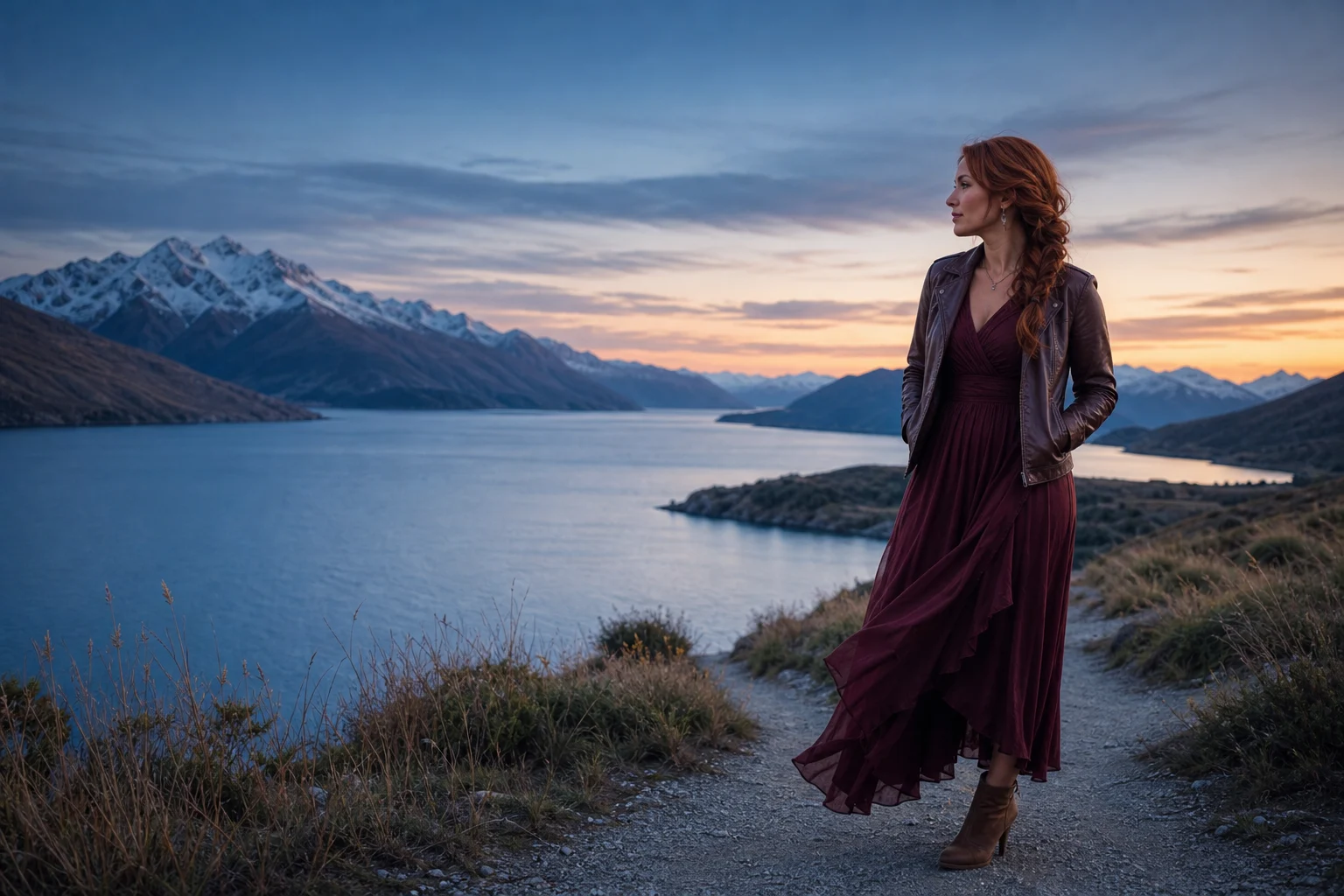
Drag to compare a reference photo with an original anime direction. Results vary with your photo, prompt, and settings.

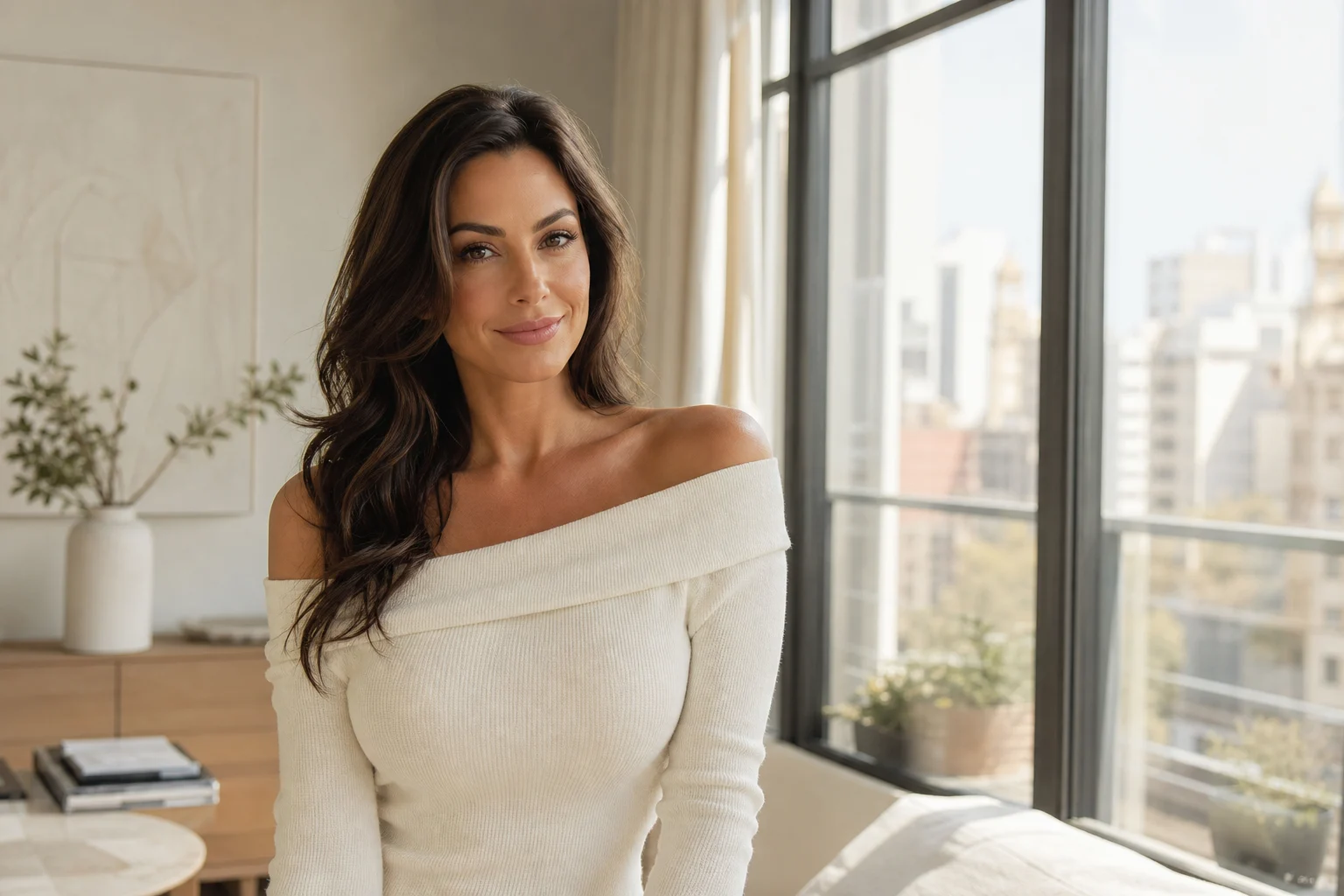
An original photo-to-anime portrait of the same adult woman

A simple first step, with room to refine

An anime generator from photo is most useful when the first step is simple without taking creative control away from you. Begin with an image that already has the subject, pose, or moment you want to explore. A clear selfie can become an anime avatar; a full-body photo can become a character concept; a picture from a trip can become a colorful anime landscape.
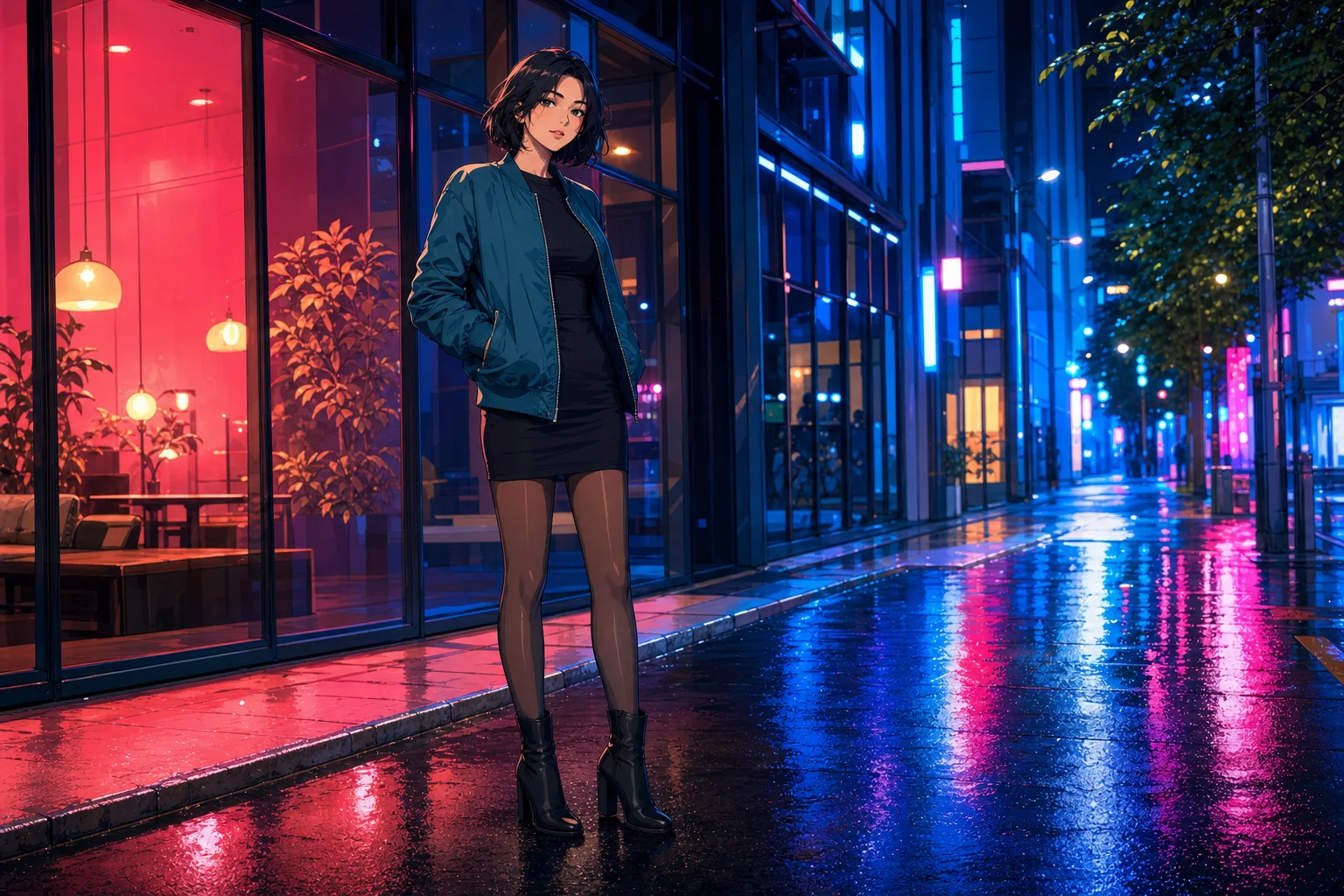
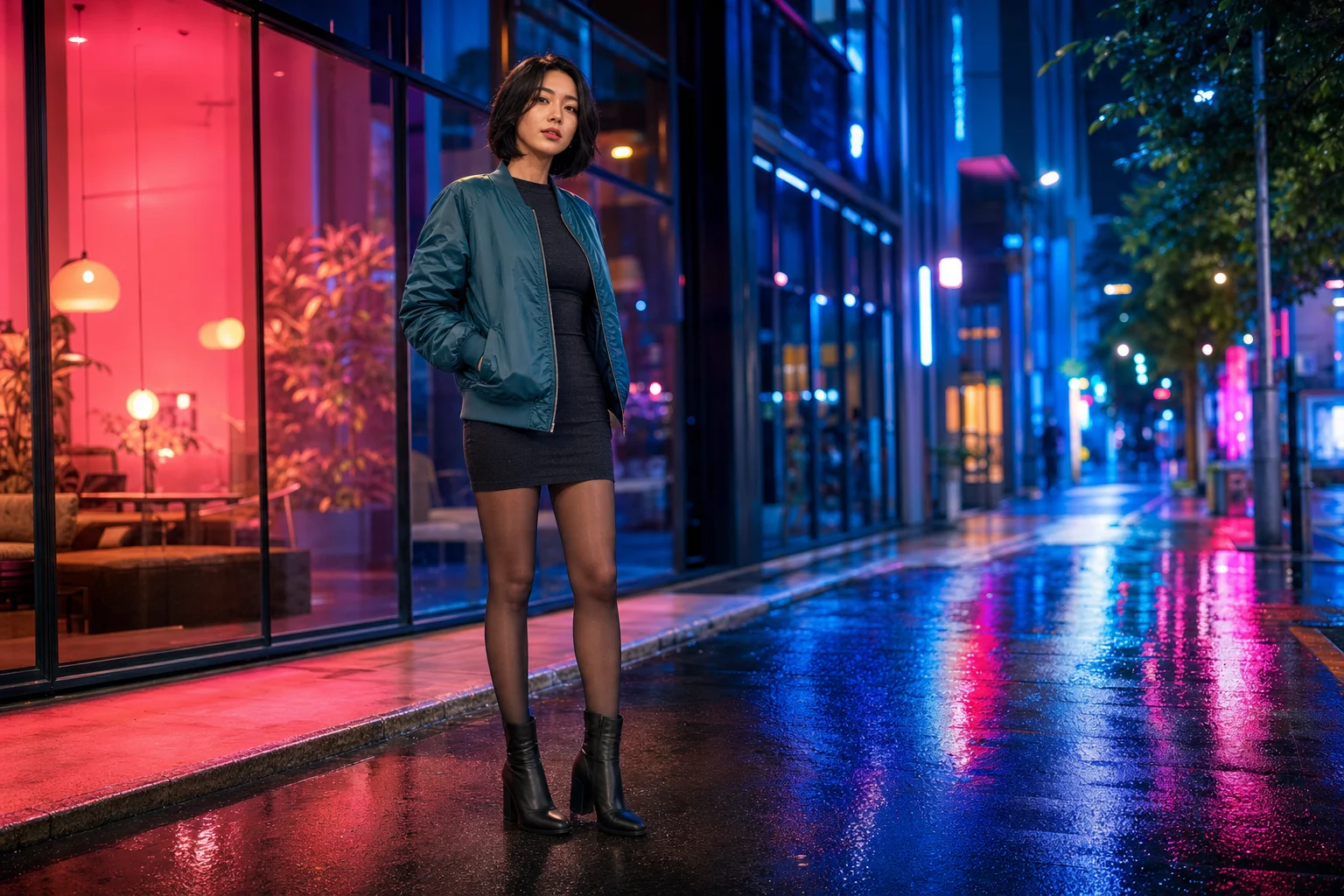
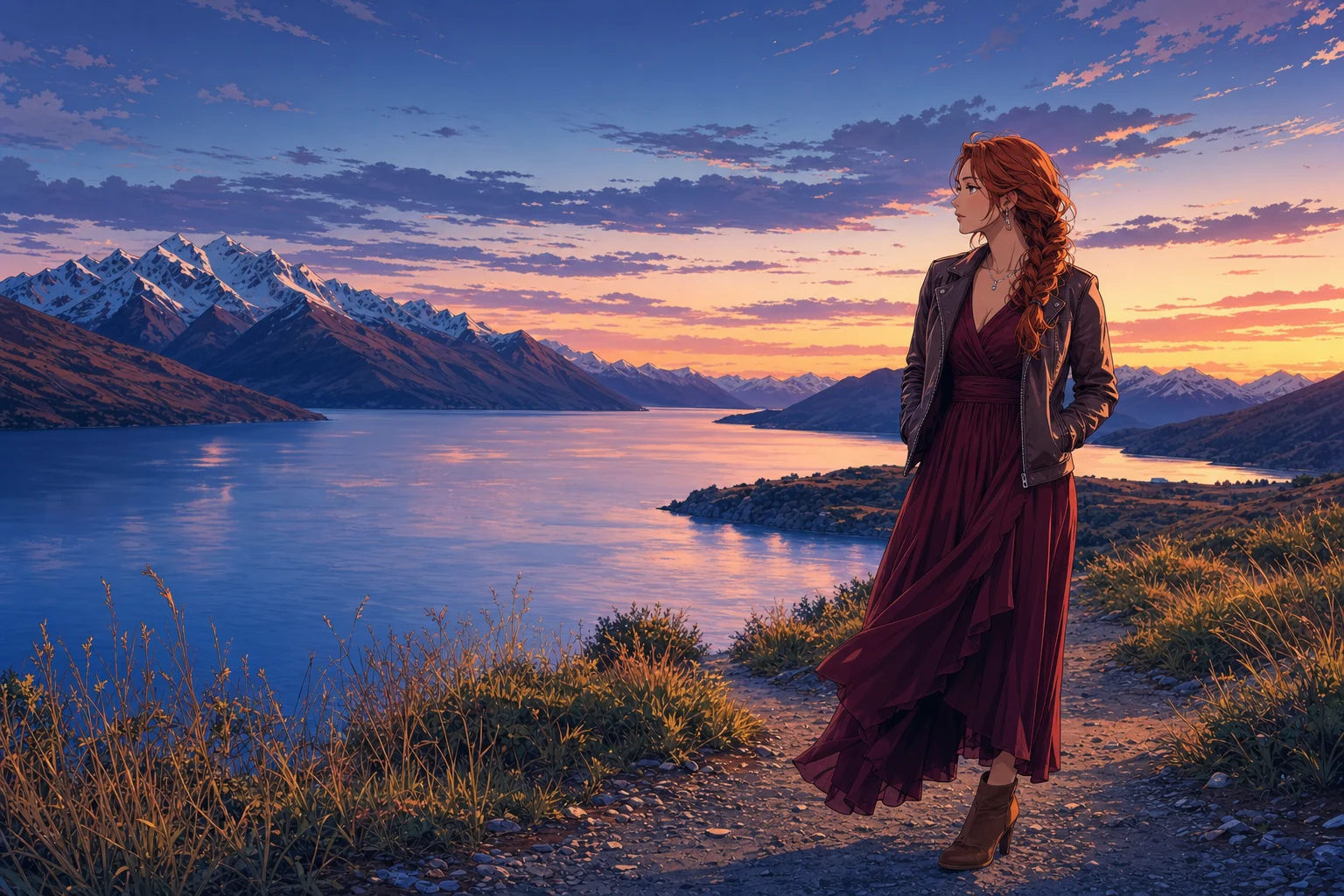
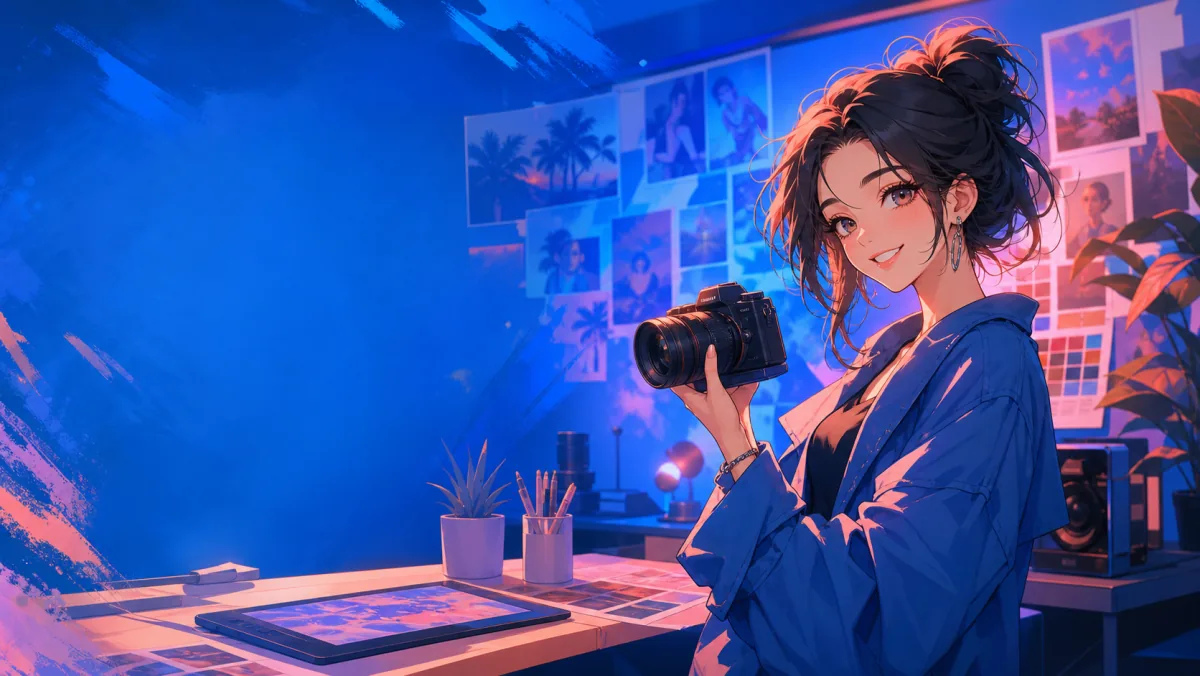
An original photo-to-anime character based on the same adult woman, pose, and outfit

Use a photo as context, then direct the details

The uploaded image gives the generator visual context, while your written direction shapes clothing, expression, lighting, background, color palette, and mood. You are not limited to a single preset look: try several prompts, adjust the available image settings, and compare variations until you find a useful direction.

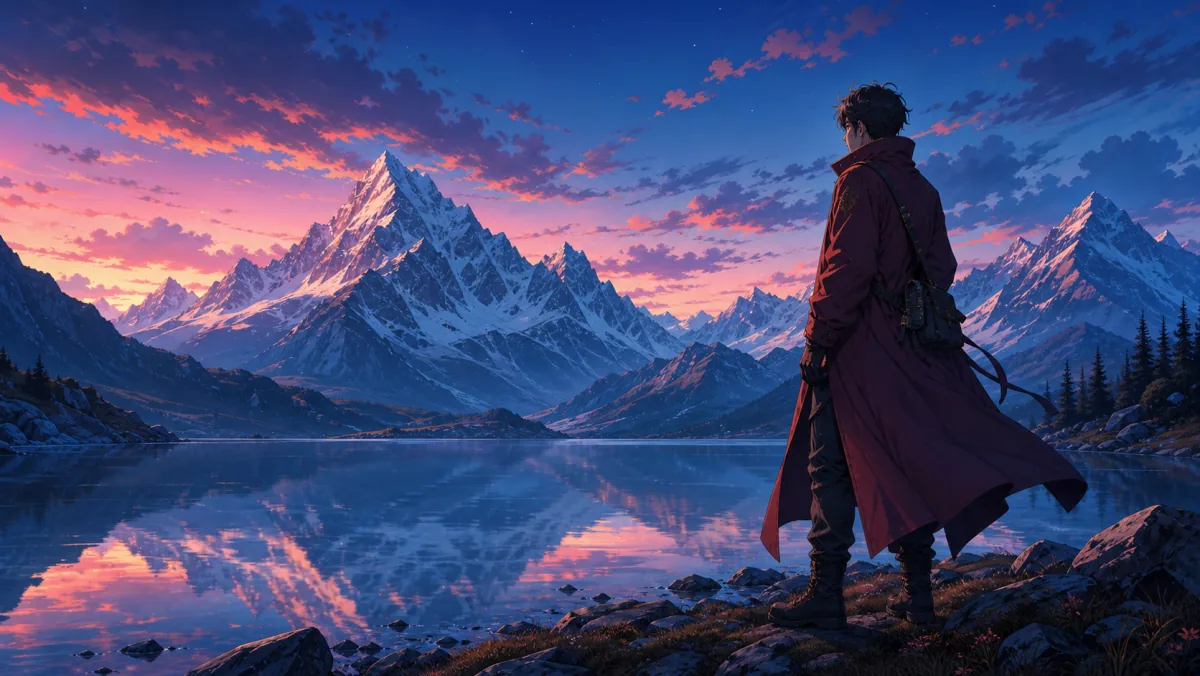
An original cinematic anime scene based on the same traveler and mountain landscape

Clear input gives you a stronger starting point

The strongest results usually start with a clear subject and a clear goal. The photo does not need to be professionally shot, but the details that matter should be visible enough for you to describe and refine.

Why Use a Photo to Anime Converter?

A photo-to-anime workflow lets one reference image lead to different portraits, characters, and illustrated scenes. Use the photo for the subject, pose, silhouette, or composition, then guide the visual direction with your prompt and image settings.

Unlike a one-tap filter, Zelvune gives you room to explore original anime-inspired results. Describe qualities such as soft painted color, expressive linework, cel shading, luminous evening light, retro animation texture, or cinematic depth instead of asking for a fixed treatment.

What Can You Create with a Photo-to-Anime Generator?

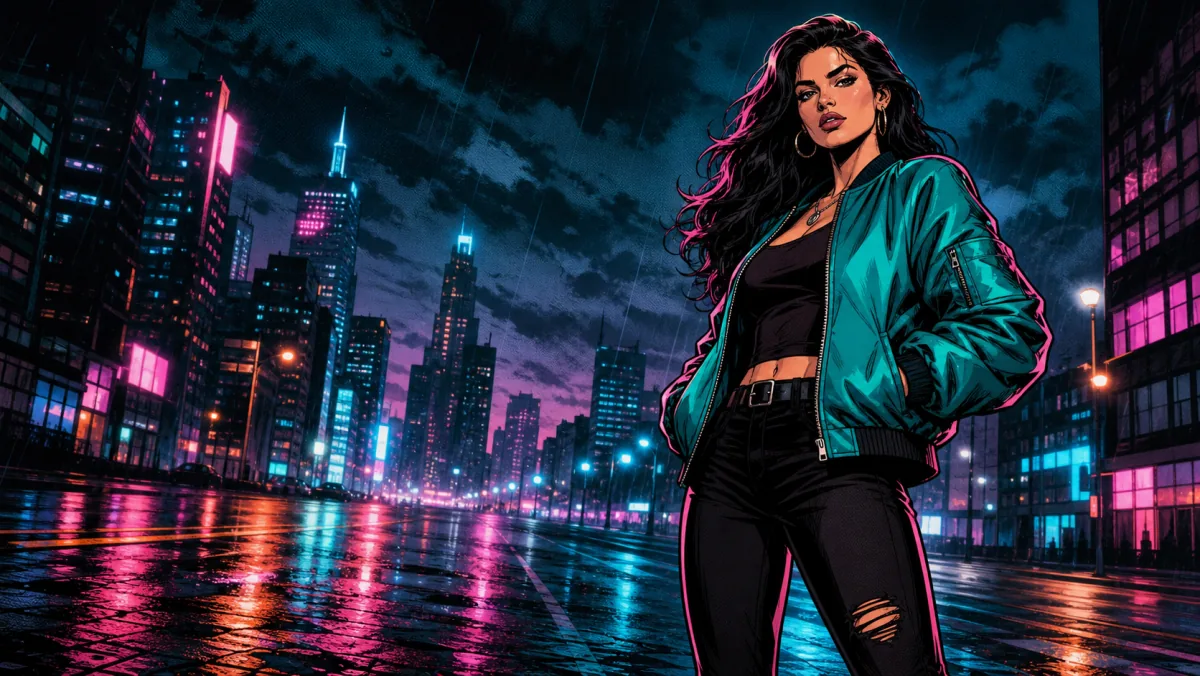
Start with the photo you already have, then explore a new anime direction for a profile image, character idea, travel memory, or creator project.

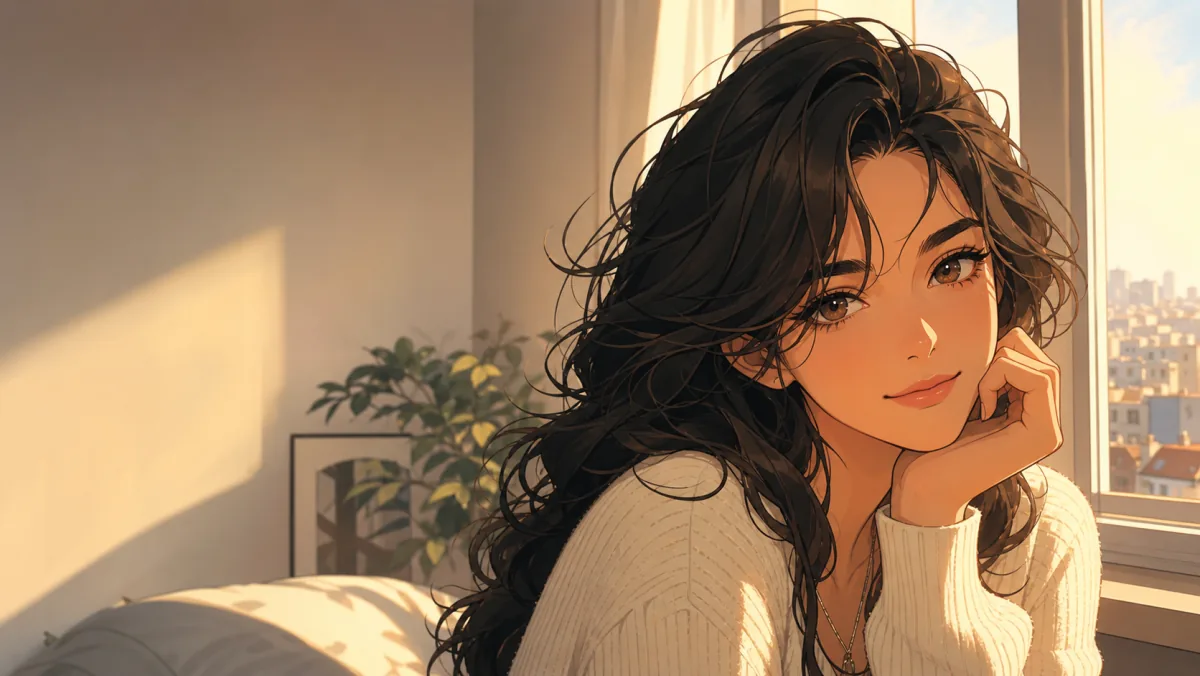
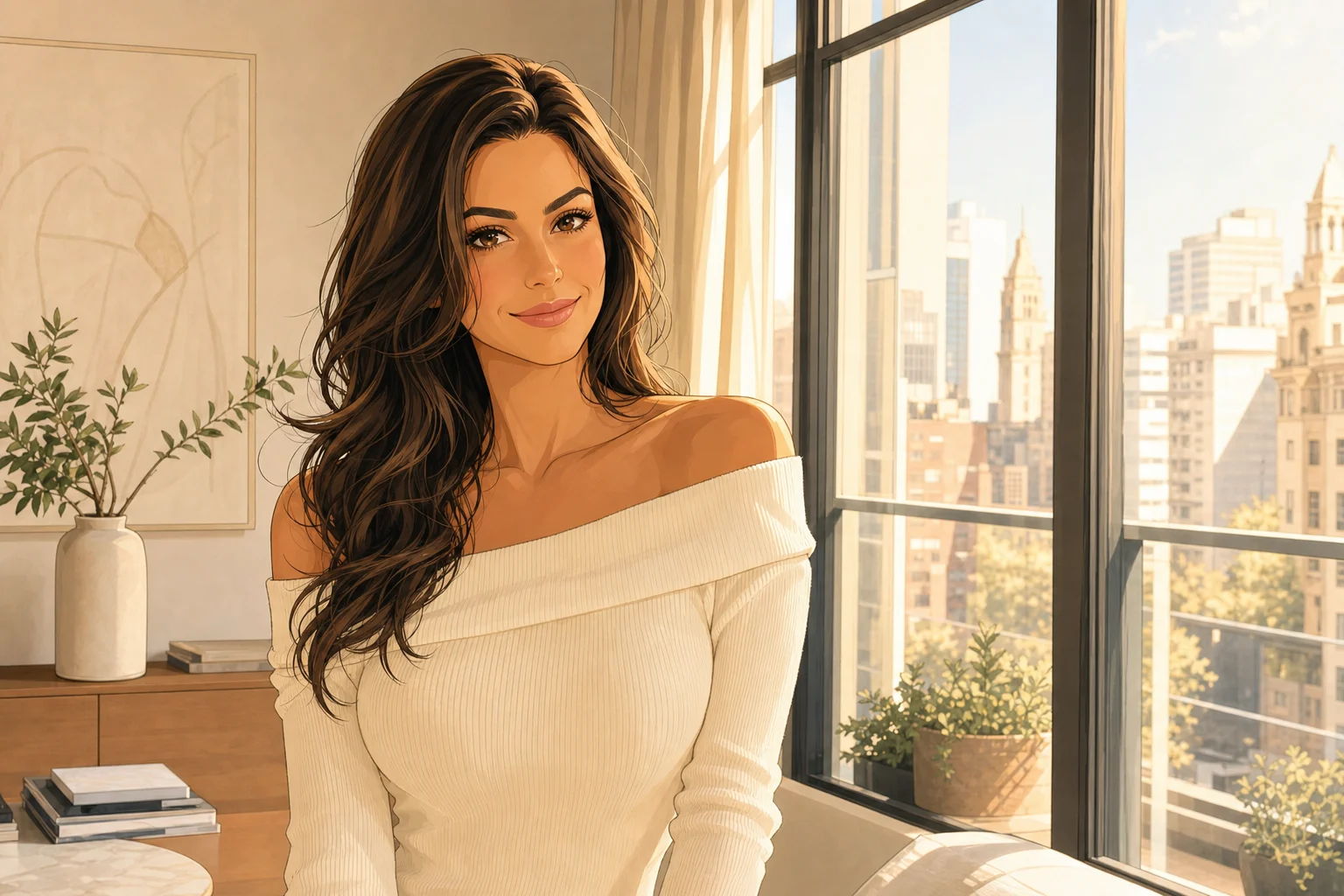
Warm window-lit anime portrait for a profile picture

Photo reference → anime direction

Anime Profile Pictures

How to Turn a Photo into Anime

01

Upload a reference image

Choose a photo with a visible subject or scene. For portraits, make the face, hairstyle, clothing, and lighting easy to see; for a pet or travel scene, keep the main subject clear.

02

Describe the anime direction

Start with the subject, then add visual treatment and setting. Name the details that matter most: linework, lighting, outfit, palette, background, composition, or mood.

03

Generate, compare, and refine

Use the available image settings, generate a version, and make one deliberate change at a time. Comparing variations is often more useful than expecting one prompt to solve every detail.

Try the Photo to Anime Generator

What Photos Work Best for Anime Conversion?

A clear reference gives the generator more useful visual context from the first attempt.

For stronger starting points

  • Use a clear, well-lit photo.
  • Keep the face, hair, clothing, or main subject visible.
  • Make sure the main subject occupies enough of the frame.
  • Use a simpler background when you want a cleaner anime scene.

Keep in mind

Group photos, pets, blurred images, and heavily covered faces may produce less consistent results. Use your prompt to clarify which subject, detail, pose, or background matters most.

Plans & Pricing

Subscribe for regular creation, or pick a credit pack for one-time projects.

Photo to Anime Generator FAQs

Answers about photo references, free credits, sign-in, and commercial use.

What is an anime generator from photo?

An anime generator from photo is an AI image workflow that uses an uploaded image as reference material for a new anime-inspired result. In Zelvune, upload a photo, describe the visual direction you want, select the available image settings, and generate original illustrated variations.

Is this photo to anime generator free?

New users can sign in to generate and use free credits to try the workflow before choosing a paid plan. Generation availability and credit use depend on the selected workflow and current product settings.

Can I use the photo-to-anime generator without signing up?

Sign in to generate. New users can use free credits to try the workflow before choosing a paid plan.

What photos work best for anime conversion?

Clear images with a visible subject are a strong starting point. For portraits, make the face, hair, and clothing easy to see. For pets, products, or scenes, keep the main subject visible and use your prompt to explain the details that matter most.

Is there an app for photo to anime?

Zelvune is a browser-based web app. You can use the photo-to-anime generator online without downloading a separate app.

Can I use a prompt with my photo?

Yes. Prompts help guide the image beyond the source photo. Describe the visual qualities, clothing, background, lighting, composition, and other details that matter to your result.

Can I use generated anime images commercially?

Commercial use is available on paid plans, subject to the applicable Zelvune terms. Check the current plan and terms before using generated assets in client work, advertising, products, or other commercial projects.

Zelvune

Try the Photo to Anime Generator

Upload an image, add a prompt, and use Zelvune to explore original anime-inspired portraits, characters, and scenes.

Free credits availableSign in to generatePaid plans support commercial use